

People often ask me a simple question when we start talking about artificial intelligence.
What exactly is prompt engineering?
It’s a good question, because the answer explains how most people actually use AI today.
If you have used an AI tool such as ChatGPT, Claude or Gemini, you have already written prompts. A prompt is simply the instruction you give the AI.
Prompt engineering is the skill of writing those instructions so the AI gives you better results.
You don’t need to be technical to do it well. You need to be clear. The better your instructions, the better the output.
Why Prompt Engineering Matters
Many people assume AI automatically produces the right answer.
In reality, AI responds directly to the instructions it receives. If the prompt is vague, the result is usually vague. If the prompt is specific and clear, the result improves dramatically.
Good prompts help you:
- Get more accurate and relevant answers
- Cut down on generic or incorrect output
- Get results in the format you need, such as a table, an email or a checklist
- Spend less time rewriting what the AI gives you
In simple terms, prompt engineering turns AI from a novelty into a practical business tool.
A Simple Way to Understand It

When I explain prompt engineering to clients, I compare it to giving instructions to a new employee.
If you say “Do something with this data,” you probably won’t get a useful result.
If you say “Analyze this sales data, find the top three trends, and summarize them in bullet points for our Monday meeting,” the outcome is much more helpful.
AI works the same way. The quality of the instructions determines the quality of the output. Prompt engineering is simply the skill of giving better instructions.
What a Prompt Actually Looks Like
A prompt can be a single sentence or a full page of instructions. Here is the difference in practice.
Basic prompt:
Write an article about marketing.
This produces a broad, generic result.
Improved prompt:
Write a 1,000-word article for small business owners explaining how local SEO can bring in more customers. Use plain language and include three practical examples.
The second prompt gives the AI:
- A clear topic
- A defined audience
- A length
- Tone guidance
- What to include
Because the instructions are clearer, the response is better. That is prompt engineering in practice.
The Five Parts of a Strong Prompt
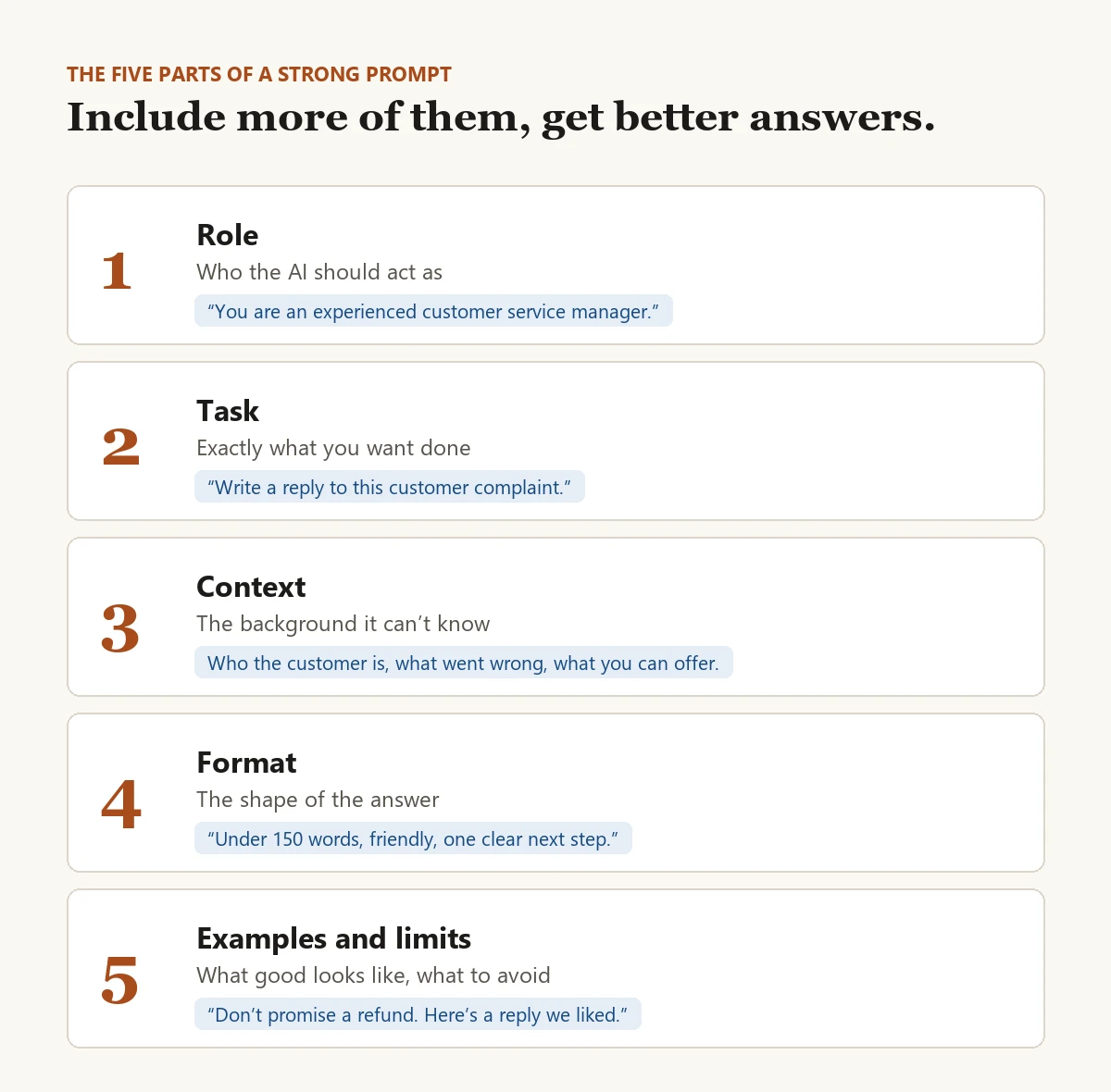
Most good prompts include some version of these five parts. You don’t need all five every time, but the more of them you include, the better the result usually is.
- Role. Tell the AI who it should act as. “You are an experienced customer service manager.”
- Task. Say exactly what you want done. “Write a reply to this customer complaint.”
- Context. Give it the background it can’t know, such as who the customer is, what went wrong and what you can offer.
- Format. Describe the shape of the answer. “Keep it under 150 words, friendly, with one clear next step.”
- Examples and limits. Show what good looks like and say what to avoid. “Don’t promise a refund. Here is a reply we liked last month.”
Here is what that looks like put together:
You are an experienced customer service manager for a family-owned furniture store. Write a reply to the customer email below. Their sofa arrived two weeks late and they are frustrated. We can offer free delivery on their next order, but not a refund. Keep it under 150 words, warm and professional, and end with one clear next step. Don’t make excuses or blame the shipping company.
[Paste the customer’s email here]
That prompt takes a minute longer to write. It saves far more than a minute in rewriting.
Prompt Engineering in Everyday Business
You don’t need a special project to start. Here are everyday tasks where a better prompt makes a real difference.
| Task | Vague prompt | Better prompt |
|---|---|---|
| Customer email | “Reply to this email.” | “Reply to this customer in a friendly, professional tone. Confirm their order ships Friday and thank them for their patience. Keep it under 100 words.” |
| Meeting notes | “Summarize this.” | “Summarize these meeting notes in five bullet points. Then list each action item with the person responsible and the due date.” |
| Job posting | “Write a job ad.” | “Write a job posting for a part-time bookkeeper at a 12-person landscaping company. Include duties, hours and the pay range, in plain language.” |
| Proposal | “Write a proposal.” | “Using the notes below, draft a one-page proposal for a website redesign. Include the problem, what we will do, the timeline and the price. Write it for a business owner, not a developer.” |
Common Prompting Mistakes
- Being too vague. “Make this better” leaves the AI guessing what better means.
- Leaving out context. The AI doesn’t know your customers, your prices or your history unless you tell it.
- Asking for everything at once. Break big jobs into steps. Outline first, then draft, then edit.
- Taking the first answer. Treat it as a draft. Point out what’s wrong and ask for a revision.
- Skipping the review. AI can state wrong facts with confidence. Check numbers, names and anything a customer will see.
- Pasting in sensitive data. Don’t put customer records, passwords or financial details into an AI tool until you know how that tool handles your data.
When Better Prompts Are Not Enough
Good prompts go a long way. But if you find yourself pasting the same instructions and the same background into AI every day, it’s time for the next step.
- Saved instructions. Custom GPTs in ChatGPT and Projects in Claude let you save your instructions and reference documents once, so your team doesn’t retype them.
- Connecting AI to your business systems. Instead of copying information in by hand, AI can be connected to your email, CRM or database. I explain how in What Is MCP? A Business Owner’s Guide to Connecting AI to Your Business.
- A custom AI assistant. For tasks your team repeats every day, I build assistants with the instructions, data and limits already in place, so staff just ask the question. See AI Implementation.
Better Instructions, Better Results
Prompt engineering isn’t a technical trick. It’s clear communication.
Tell the AI who to be, what you want, what it needs to know, what the answer should look like and what to avoid. Then review what comes back and refine it.
Do that consistently, and AI goes from an interesting experiment to a tool your business uses every day.
Want help finding where AI can save your business the most time? Request your free AI Readiness Assessment or contact me.