What Business Leaders Need to Understand About the Next Evolution of Software
For decades, business software has followed the same basic pattern. Employees log into applications, navigate menus, enter information, and generate reports. The interface is the center of the experience.
But a significant shift is beginning to reshape how software works.
Instead of humans operating software through dashboards and forms, AI agents are starting to perform many of the tasks themselves. Rather than interacting with menus or navigating multiple applications, users increasingly interact with intelligent systems that understand goals and carry out work automatically.
This change represents more than a new feature or tool. It may represent a fundamental evolution in how software is designed, used, and integrated into business operations.
Organizations that understand this shift early will be better prepared for the next phase of digital transformation.
The Traditional Software Model
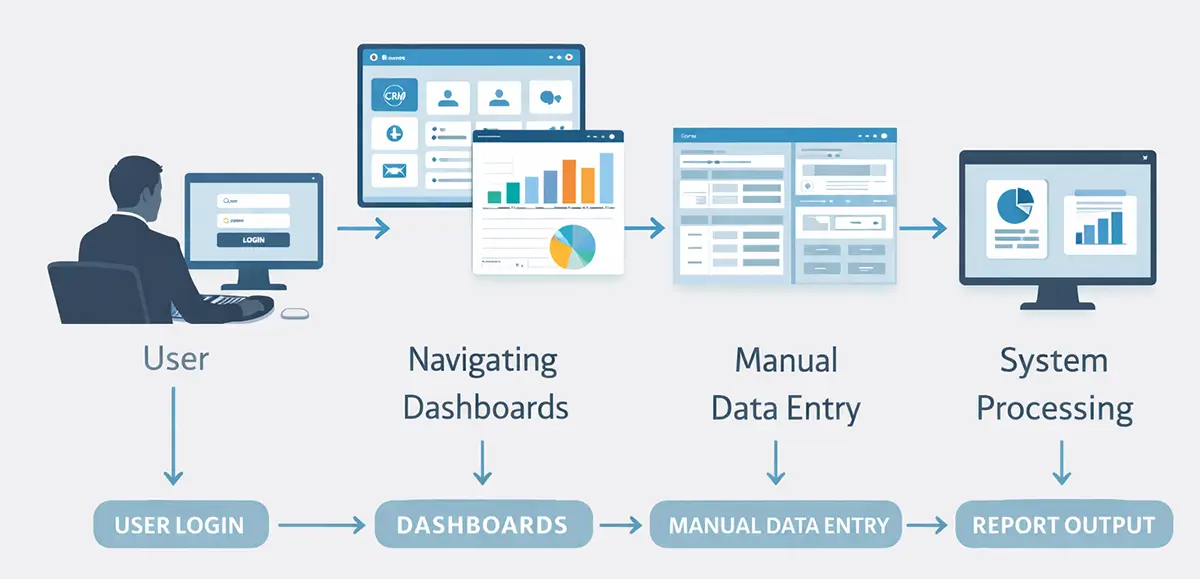
Most business software systems were built around human interaction. The typical workflow looks something like this:
- A user logs into a system.
- The user navigates a graphical interface.
- Information is entered manually.
- The system processes the request.
- The user interprets the results.
Examples include systems such as:
- customer relationship management platforms
- accounting software
- help desk tools
- project management systems
- analytics dashboards
These applications are powerful, but they still require continuous human operation. Employees spend time entering information, navigating screens, exporting reports, and coordinating actions between systems.
Even with automation features, the user interface remains the central component.
AI agents introduce a different model.
What AI Agents Actually Are
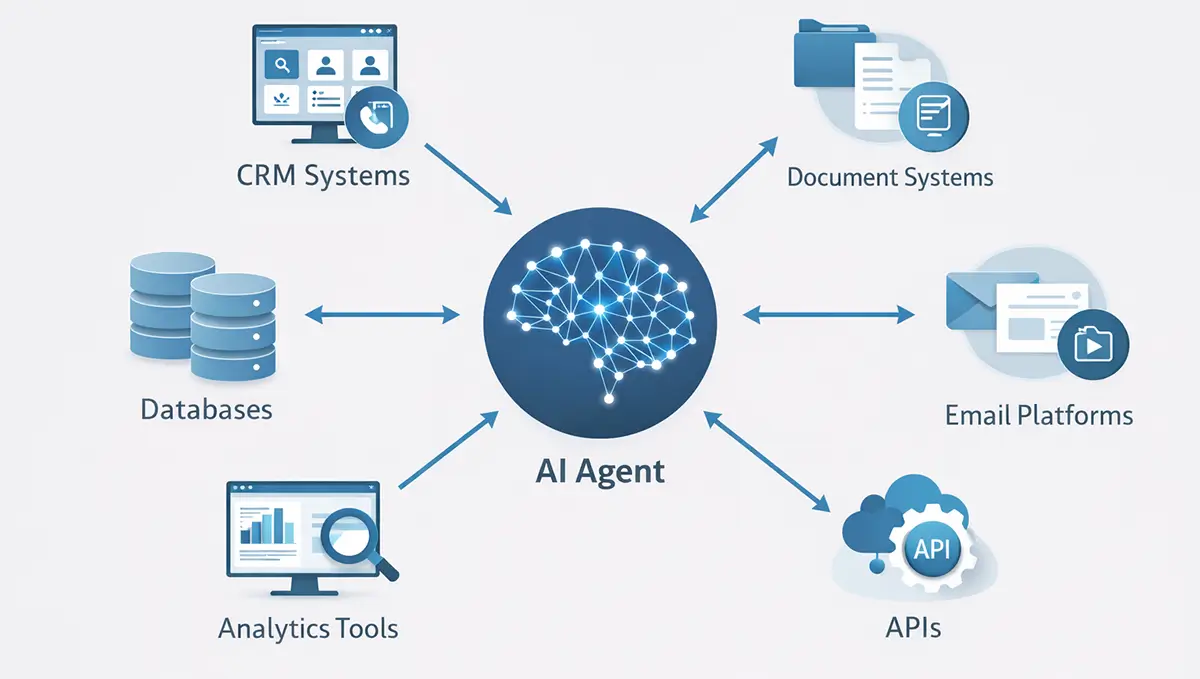
An AI agent is software that can perform tasks autonomously to accomplish a defined objective.
Instead of requiring constant human input, an agent can:
- interpret instructions
- gather relevant data
- make decisions based on context
- take actions across systems
- deliver results back to the user
In many cases, a human simply provides a goal.
For example:
- “Prepare a summary of this week’s customer support issues.”
- “Identify leads from the CRM that need follow-up.”
- “Generate a financial performance report for the past quarter.”
The agent retrieves data from relevant systems, performs analysis, and produces the output.
This approach moves software from a tool that requires operation to a system that performs work.
From Interfaces to Intent
Traditional software relies heavily on user interfaces.
Employees click buttons, fill in forms, and move through multiple screens to complete tasks.
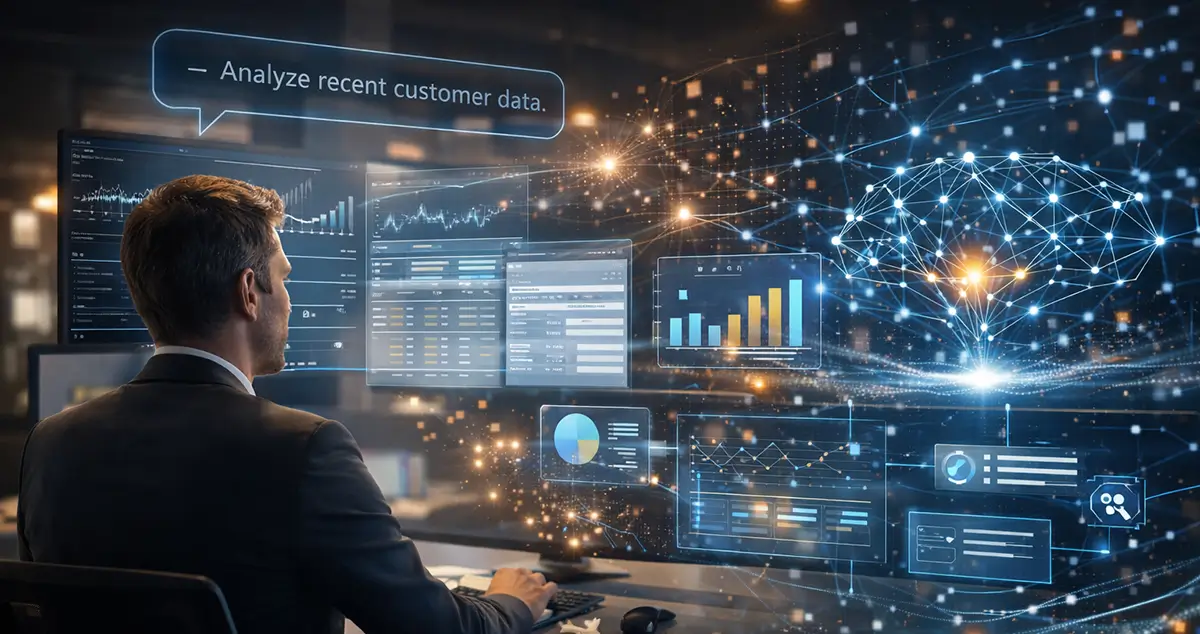
AI agents shift the focus away from interfaces and toward intent.
Instead of navigating software manually, users simply express what they want to accomplish.
For example:
Instead of:
- opening a CRM
- searching for accounts
- filtering activity
- exporting data
- generating reports
A user might say:
“Show me which customers have not been contacted in the last 30 days.”
An AI agent can interpret that request, gather the information, and produce the result.
The interface becomes a conversation, a workflow trigger, or an automated process rather than a complex software menu.
The Rise of Agentic AI
The broader concept behind these systems is often called agentic AI.
Agentic AI refers to systems capable of independently executing tasks, coordinating actions, and adapting to changing conditions.
These systems typically combine several technologies:
- large language models
- data integration systems
- APIs connecting business software
- workflow automation platforms
- decision logic and monitoring tools
When combined, these capabilities allow AI systems to operate across multiple applications.
Rather than interacting with a single tool, an AI agent can move between systems, retrieving information and performing tasks where needed.
Real-World Examples of AI Agents in Business
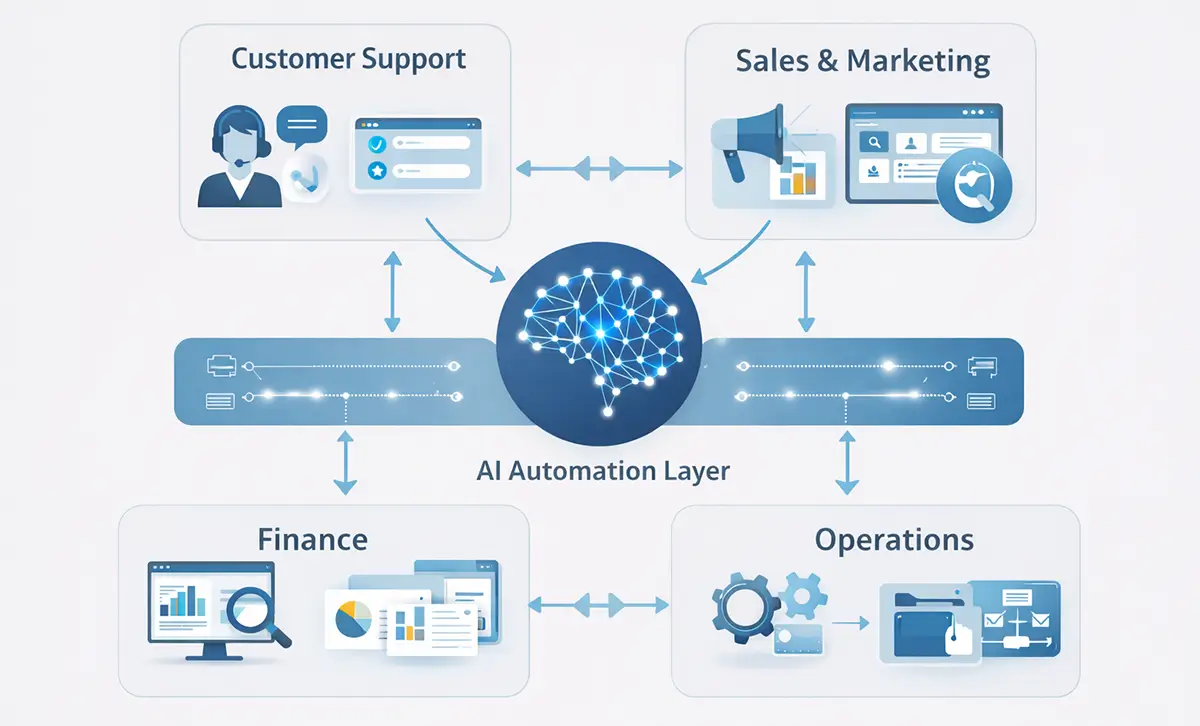
Although the technology is still evolving, many organizations are already experimenting with AI agents across several operational areas.
Customer Support
Customer support is one of the most common early use cases.
AI agents can:
- answer common questions
- retrieve customer account information
- generate support tickets
- escalate complex issues to human staff
Some organizations now use AI agents to handle large portions of incoming support requests.
Human agents then focus on the most complex situations.
Sales and Marketing
Sales teams spend significant time researching prospects, preparing outreach messages, and managing follow-ups.
- AI agents can assist by:
- researching potential clients
- drafting personalized outreach messages
- summarizing meeting notes
- identifying opportunities in CRM data
These capabilities allow sales teams to focus more time on building relationships rather than on administrative work.
Financial Operations
Financial departments often manage repetitive reporting and data reconciliation tasks.
AI agents can assist with:
- categorizing financial transactions
- preparing financial summaries
- identifying unusual spending patterns
- generating performance reports
By automating parts of financial analysis, organizations can accelerate reporting and improve visibility into operations.
Internal Operations and Workflow Management
Operations teams frequently coordinate processes that involve multiple systems.
For example:
- customer orders moving from sales systems into fulfillment platforms
- support tickets triggering service workflows
- project updates syncing across collaboration tools
AI agents can monitor these workflows and trigger actions automatically.
In some cases, entire processes can be coordinated without manual intervention.
Why This Shift Matters for Businesses
The transition from software interfaces to AI-driven workflows has significant implications.
Reduced Administrative Work
Many business tasks involve repetitive manual work such as copying information between systems, generating reports, and monitoring updates.
AI agents can automate many of these tasks, freeing employees to focus on higher-value activities.
Faster Decision Making
Agents can analyze large volumes of data quickly.
Instead of waiting for reports or manually compiling information, leaders can request insights and receive them almost immediately.
More Integrated Systems
Businesses often rely on multiple software platforms that do not communicate easily.
AI agents can act as connectors between systems, retrieving information and triggering actions across platforms.
Operational Efficiency
When routine tasks become automated, workflows can move faster and with fewer errors.
Organizations that implement AI-driven automation effectively may achieve measurable improvements in productivity and operational performance.
The Role of AI Orchestration
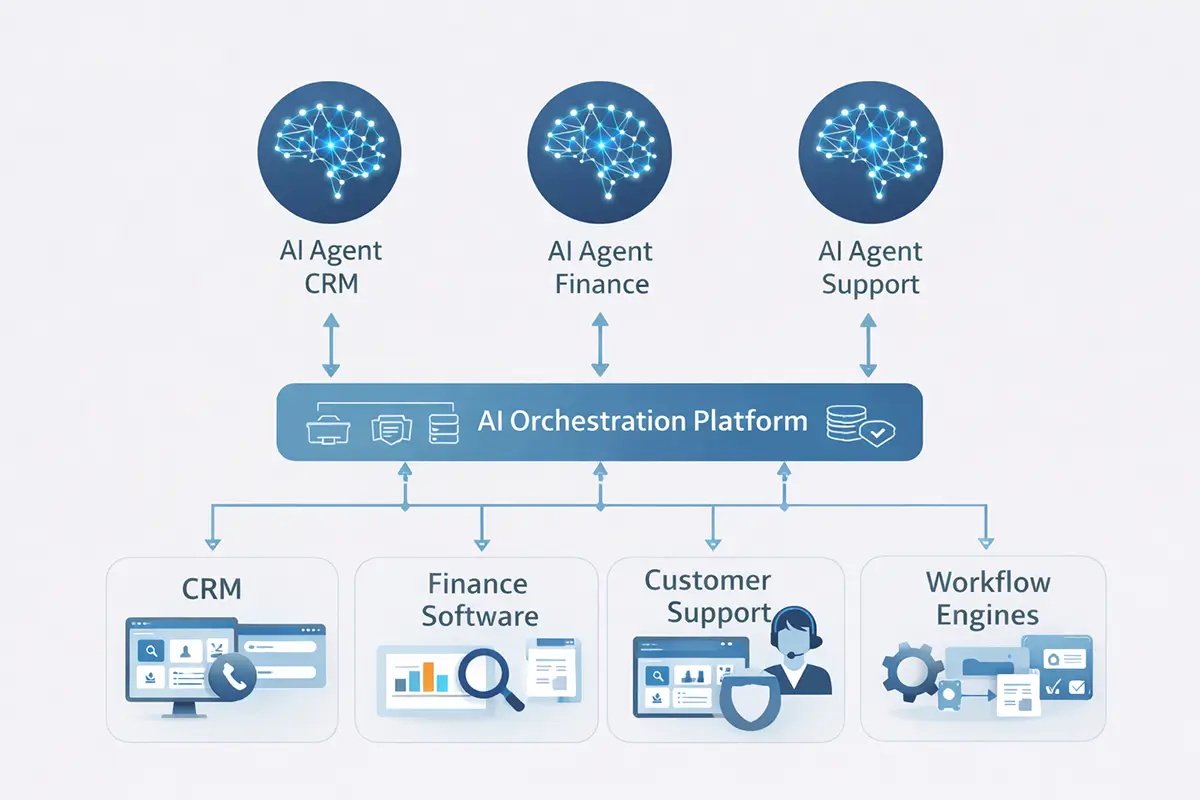
As companies deploy multiple AI agents, a new challenge emerges.
How do these agents coordinate with each other and with existing systems?
This is where AI orchestration becomes important.
AI orchestration platforms manage:
- multiple AI agents
- connections to business applications
- data access and security
- workflow sequencing
These platforms allow organizations to create complex automated processes that involve multiple systems and decision points.
For example:
- A customer submits a request.
- An AI agent analyzes the request.
- Another agent retrieves account information.
- A workflow system processes the request.
- A response is generated and delivered automatically.
Orchestration ensures these steps occur reliably and securely.
Challenges Businesses Must Consider
Despite the excitement around AI agents, implementation requires careful planning.
Several challenges must be addressed.
Reliability
AI systems must produce consistent and accurate results, especially when interacting with critical systems.
Organizations must monitor performance and ensure safeguards are in place.
Governance
Automated decision-making introduces governance concerns.
Companies must establish policies defining:
- What agents are allowed to do
- What systems can they access
- When human oversight is required
Security
AI agents often require access to sensitive systems and data.
Strong security controls are necessary to prevent misuse or unauthorized actions.
Workforce Adaptation
As automation increases, employee roles will evolve.
Organizations must help teams adapt by focusing on:
- strategic thinking
- oversight of automated systems
- higher-level decision making
What Business Leaders Can Do Now
Executives do not need to overhaul their technology stack immediately.
However, they should begin preparing for this transition.
A practical approach includes several steps.
Identify repetitive operational tasks
Look for processes involving frequent manual data entry, reporting, or system coordination.
Evaluate AI automation opportunities
Many existing platforms now offer AI-driven automation features that can reduce manual work.
Experiment with controlled pilots
Small pilot projects allow organizations to test AI capabilities without significant risk.
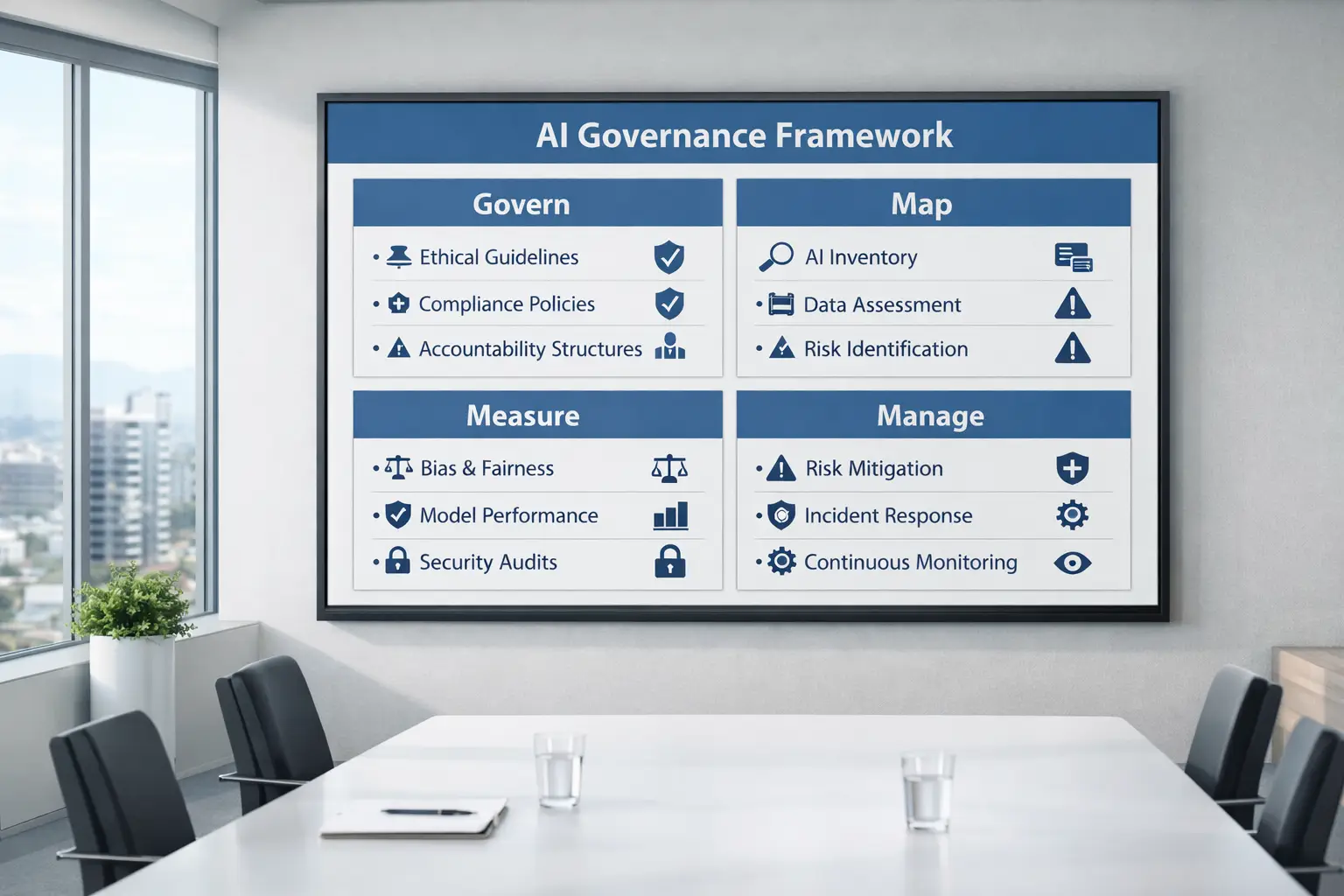
Develop governance and security frameworks
Clear oversight ensures AI systems operate responsibly and reliably.
Create a long-term AI strategy
Companies that plan proactively will be better positioned as AI technology continues to mature.
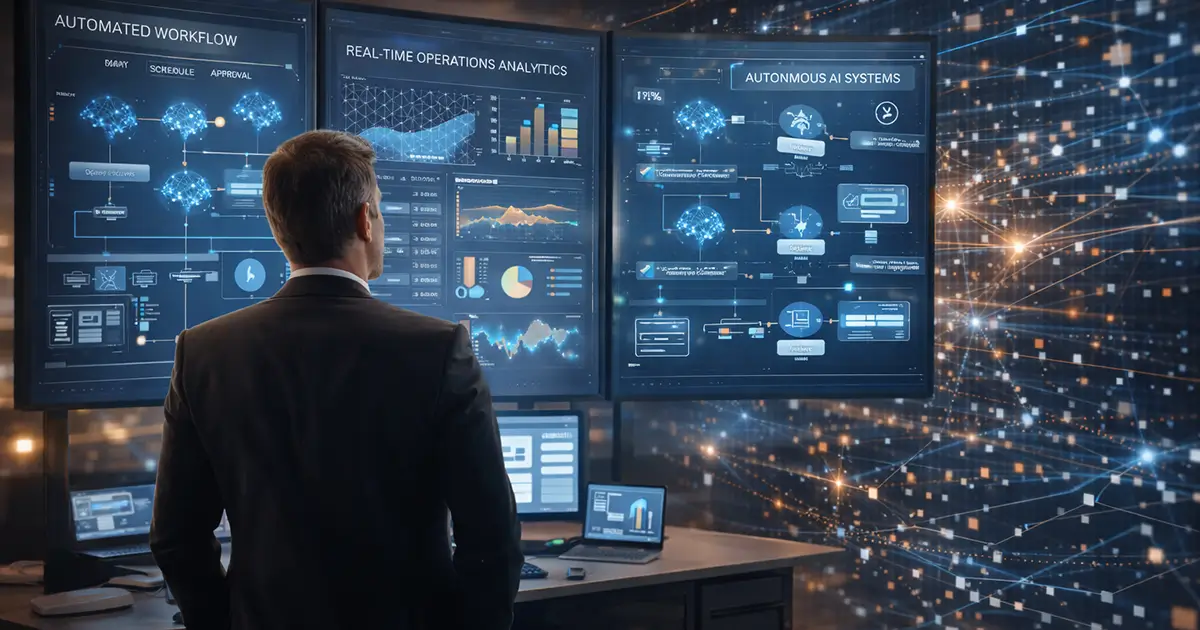
The Future of Software May Not Have Interfaces
For decades, the user interface defined how software worked.
Employees logged into applications, navigated dashboards, and entered information manually.
AI agents introduce a different model.
Instead of humans operating software through interfaces, software increasingly performs tasks on behalf of users.
This shift will not eliminate traditional applications overnight. Interfaces will continue to exist for many workflows.
However, the direction of software development is becoming increasingly clear.
In many cases, the future of work may involve less interaction with software and more collaboration with intelligent systems that operate behind the scenes.
Organizations that understand this change early will be better positioned to use AI not just as a productivity tool, but as a core part of how their operations function.